Room previews
Use View in your room for supported products to visualize placement. Check the listed dimensions separately before deciding whether an item fits.
 CouponMori
Amazon Mobile LLC · Shopping
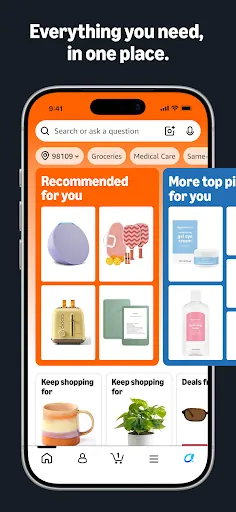
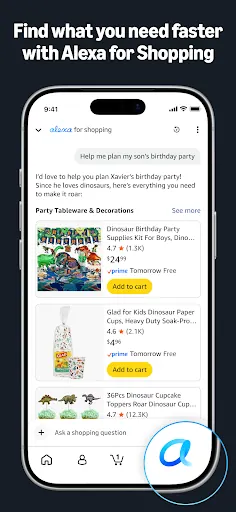
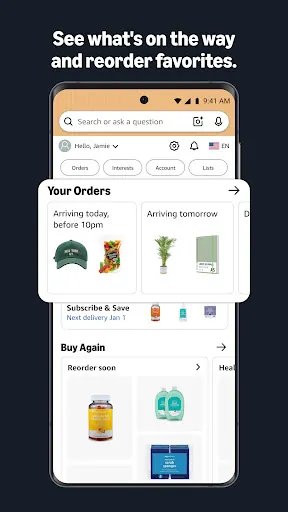
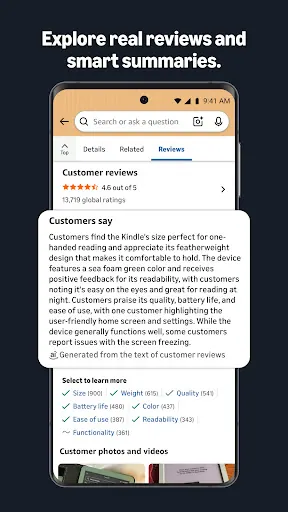
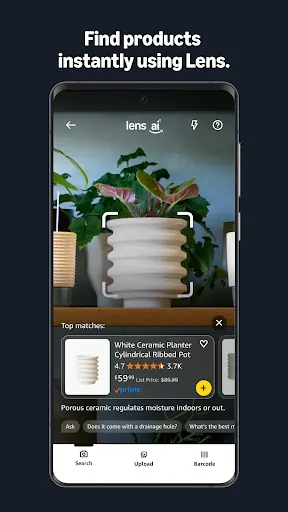
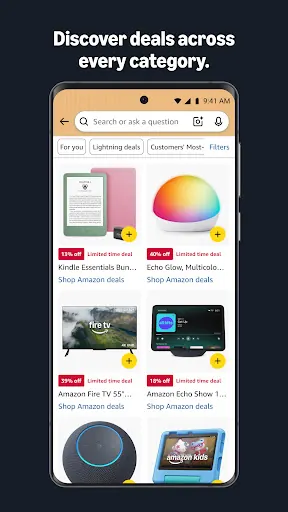
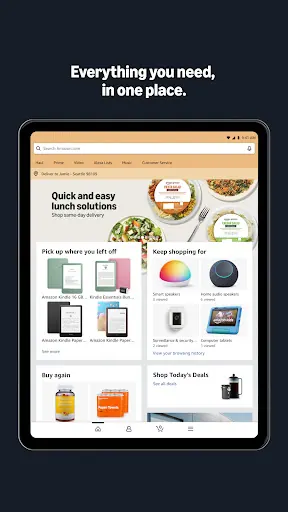
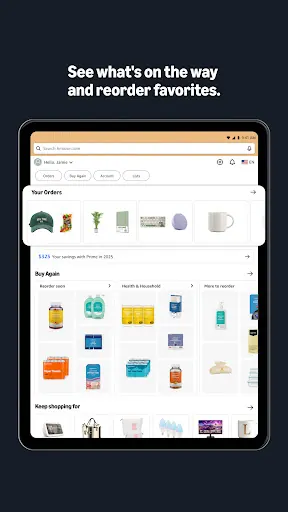
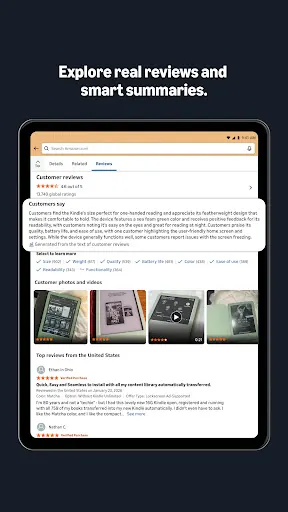
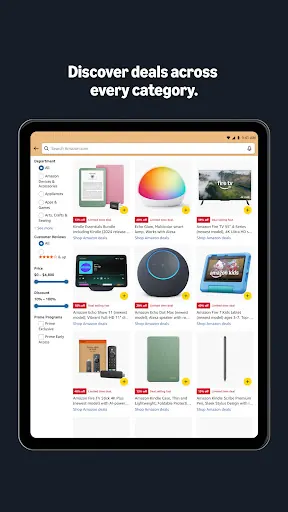
Browse Amazon listings, search with a photo or barcode, preview selected products in your room and follow orders through the Amazon Shopping app.
Downloads open the official stores. Availability and features may differ by location and device.
Use View in your room for supported products to visualize placement. Check the listed dimensions separately before deciding whether an item fits.
Identify unknown items or brands by tapping the camera scan icon to take a picture of an object or scan its barcode directly.
Open the app’s customer-service chat for help with an Amazon order. Follow the options available for your account and region.
Before using an offer, check the eligible items, account requirements and purchase channel. A brand coupon is not automatically an app-only offer.
Swipe or scroll to explore; open a screenshot to enlarge it.
Service fees, purchases or memberships may cost extra. Check the store for your device’s compatibility.
Service fees, purchases or memberships may cost extra. Check the store for your device’s compatibility.
Related brand offers. Check each offer’s terms before checkout.
Subscribers to Amazon Prime can snag a whopping 28 games in September. No coupon or promo code needed!