PC game purchases · TOP 10

Buying a Steam Game: 10 Checks Before Choosing an Edition

A discounted game can still be the wrong purchase: a book instead of the game, a bundle full of unwanted extras, or a version that does not suit your device. These ten checks help US shoppers choose a Steam purchase they can actually use.

CouponMori editorialChecklist and examples ↓

Use these ten checks before you order. Open the linked official pages for the conditions that apply to your purchase.

01

Identify the actual product

Product contents
When this applies

A cheap result beside the game you want

Read the purchase-box title and included products. On the Portal 2 page, the separately sold Final Hours item is a digital book, not the game. A related title can look like a bargain while delivering something entirely different.

Keep in mind: A soundtrack, book or add-on does not necessarily include the base game.

More detail

Write down the exact game and edition you intend to buy before comparing prices. Remove a cheaper listing from the comparison if its contents do not match.

Official information ↗ (Opens in a new tab)
02

Compare the requirements with your computer

Compatibility
When this applies

Buying for an older PC or a different operating system

Read the requirements for your operating system, including the notes beneath them. Portal 2 illustrates why: its legacy Windows requirements appear above a notice that the Steam client requires Windows 10 or later.

Keep in mind: An old minimum-OS line alone is not enough to establish current compatibility.

More detail

Make a short list of your operating system, graphics hardware and available storage. Resolve a mismatch before treating a refund as your backup plan.

Official information ↗ (Opens in a new tab)
03

Separate subtitles from spoken dialogue

Languages
When this applies

Buying to play in a particular language

The store language table separates interface, full audio and subtitles. Portal 2, for example, lists Japanese interface and subtitles without Japanese full audio. Decide which of these you actually need.

Keep in mind: A supported language is not a promise that every part of the game is dubbed.

More detail

For a shared family purchase, ask whether the player can comfortably read subtitles during play. This can rule out an otherwise suitable game.

Official information ↗ (Opens in a new tab)
04

Open the Steam Deck compatibility details

Handheld use
When this applies

Your main gaming device is a Steam Deck

Valve distinguishes Verified, Playable, Unsupported and Unknown. Playable may need manual adjustments; Unknown means the game has not been checked, rather than that it has passed. Open the details instead of stopping at the badge.

Keep in mind: A desktop recommendation does not establish how a game works on Deck.

More detail

If you want a game for a trip without time to troubleshoot, check whether any listed keyboard, launcher or control steps are acceptable before buying.

Official information ↗ (Opens in a new tab)
05

Price the bundle for your own library

Bundle selection
When this applies

You already own part of a collection

Steam distinguishes bundles that complete a collection from bundles that must be bought together. For a complete-the-set bundle, existing ownership changes what remains to buy and the price.

Keep in mind: A price shown to another person may not describe your basket.

More detail

Sign in to the purchasing account, open the included-items list and compare only the missing games you want. The worked example below shows why the largest percentage discount can still cost more.

Official information ↗ (Opens in a new tab)
06

Give unwanted extras a value of zero

Edition choice
When this applies

A deluxe edition costs only a little more

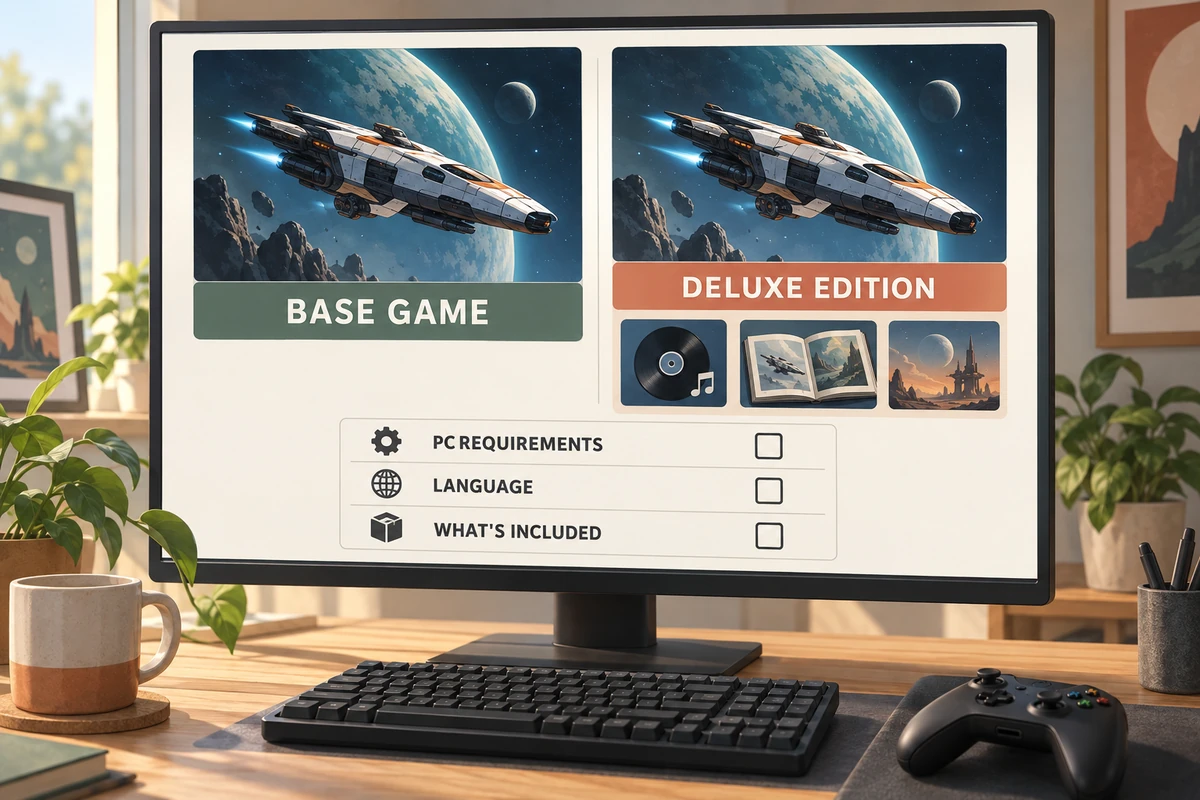
A bundle can combine the game with related content such as a soundtrack. List the extra products you would otherwise pay for. If that list is empty, compare the bundle with the base game alone.

Keep in mind: The total standalone price of the contents is not your personal saving.

More detail

Set a maximum upgrade amount before opening the deluxe offer. This prevents a long included-items list from changing the purchase you meant to make.

Official information ↗ (Opens in a new tab)
07

Buy the current Early Access version

Development status
When this applies

The feature that interests you is still planned

Valve describes Early Access as a purchase of a playable, unfinished game, and warns that some projects may never be completed. Base the decision on what is available now.

Keep in mind: A development plan is not a finished feature you can use today.

More detail

If you only want a future mode or promised expansion, wait for its release. Read the developer’s recent updates to understand the current build rather than guessing from an old trailer.

Official information ↗ (Opens in a new tab)
08

Count copies for simultaneous family play

Household sharing
When this applies

Two family members want the same game at once

Steam Families is intended for a household of up to six close family members. Eligible games can be shared, but simultaneous use of the same game requires enough copies. Developers can also exclude games from sharing.

Keep in mind: Do not budget on one copy serving two simultaneous players through Family Sharing.

More detail

Decide whether the household will take turns or play at the same time. Confirm the game is shareable before subtracting a second purchase from your budget.

Official information ↗ (Opens in a new tab)
09

Keep both refund limits in view

After purchase
When this applies

You need to check whether the game works for you

For ordinary Steam-store games, the standard refund offer requires a request within two weeks and less than two hours of playtime. Bundles use combined usage time; nonrefundable contents can affect eligibility.

Keep in mind: Two hours is not a separate allowance for every game in a refundable bundle.

More detail

Check compatibility promptly and keep track of playtime. Steam permits requests outside its standard rules for consideration, but that is not a promise of approval.

Official information ↗ (Opens in a new tab)
10

Know which seller would handle a return

Purchase channel
When this applies

A third-party game key looks cheaper

Valve says it cannot refund purchases made outside Steam. A key that activates in Steam therefore does not automatically come with Steam-store purchase terms.

Keep in mind: Read the external seller’s activation and refund conditions before paying.

More detail

Compare a key offer with the direct-store purchase only after accounting for who will resolve a problem. If that responsibility is unclear, leave the offer out of your shortlist.

Official information ↗ (Opens in a new tab)

A buying order that keeps the discount in perspective

This is a purchase checklist for US shoppers using the Steam store, not a ranking of games or a performance test. Start with the product, device and language checks. Then compare editions and household needs. Refund rules and seller responsibility come last: they help you understand the transaction, but cannot make the wrong product useful.

Portal 2 is used only to illustrate how to read a store page. We have not tested it on your hardware, and we do not quote a current US sale price. Store prices, availability and individual product notices must be read in your own account. The checks are in buying order; their numbers are not scores.

Worked example: the bundle that saves less

These are hypothetical US-dollar checkout totals, with any applicable tax already included. They are not current Steam offers.

Purchase What you actually want Amount paid
Base game alone The base game $18
Bundle with a soundtrack and artwork The same base game $25
Base game and an expansion bought separately Both products $30
Bundle containing that game and expansion Both products $27

In the first comparison, paying $25 costs $7 more for the game you intend to play. The unwanted extras do not turn that into a saving. In the second, the $27 bundle saves $3 against the two purchases you already planned. These are separate hypothetical baskets, not four offers for one real game.

Use this calculation with your own checkout totals:

Saving on planned purchases = the cost of the wanted items separately − the bundle total.

For a collection you partly own, first remove those owned items from the list of planned purchases. Steam’s bundle documentation explains how bundle types treat ownership; the calculation here is our way of comparing the remaining choices.

Before you pay

You should be able to name the product, the device it will run on, the language support you need and the final amount you are willing to spend. If one is unresolved, keep the game on your list instead of filling the gap with an assumption. Save the receipt after buying. For a return request, use the purchase in Steam Support.